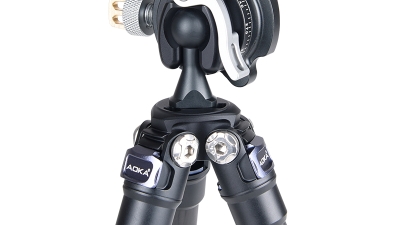
You know, with remote work and all the buzz around online content creation, there’s been a crazy spike in the need for really good Webcam Tripods. They’ve pretty much become a must-have for anyone into video calls or streaming. A fresh report says that the global webcam market is set to grow more than 8% every year, which just goes to show how crucial it is to have solid gear that makes your videos look great and steady. At Zhongshan AOKA Photographic Equipment Co., Ltd., right in the heart of Tanzhou Zhongshan—a place famous for top-quality photographic gear—we’re super proud of our mission to make outstanding tripods designed just for webcams. Our reputation in the biz really shines because we cater to a wide range of folks, whether you’re a pro photographer or just someone who’s really into creating content and wants the best setup for streaming or video chats. And let me tell you, as the need for versatile and tough Webcam Tripods keeps growing, AOKA is all in when it comes to rolling out innovative solutions to help users hit their creative targets.
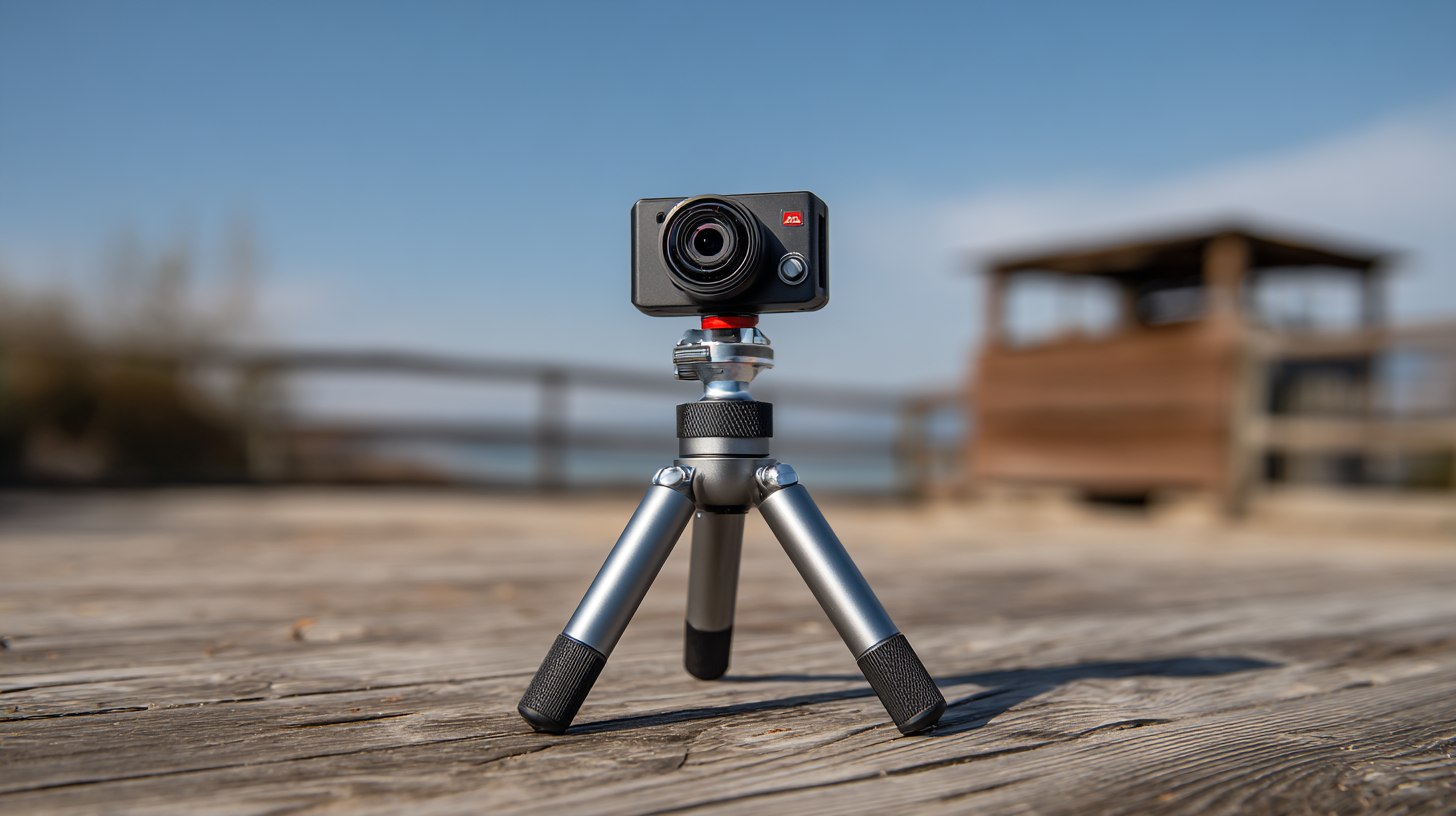
Understanding the Importance of a Quality Webcam Tripod in Remote Work
You know, in this whole remote work world we’re living in, the quality of your video setup can really change the game during virtual meetings. Sure, having a solid webcam is super important, but don’t overlook the need for a decent tripod. Trust me, a Good Tripod gives you that stability you need and lets you adjust the angle just so, which means you can get the best shot possible without worrying about that annoying camera shake. Whether you’re hopping on a video call or streaming to your followers, having your camera set up securely can really up your professionalism.
Here at Zhongshan AOKA Photographic Equipment Co., Ltd., we totally get how crucial it is to have great support for your webcams. Nestled in the heart of a well-known hub for photographic gear, we take pride in crafting high-quality tripods that cater to both pros and hobbyists alike. As remote work keeps evolving, investing in a dependable webcam and a sturdy tripod is essential for anyone wanting to keep that polished look while in front of the camera. Our gear is designed to help you shine, whether you’re collaborating with teammates or engaging an audience online.
Key Features to Look for in Webcam Tripod Solutions
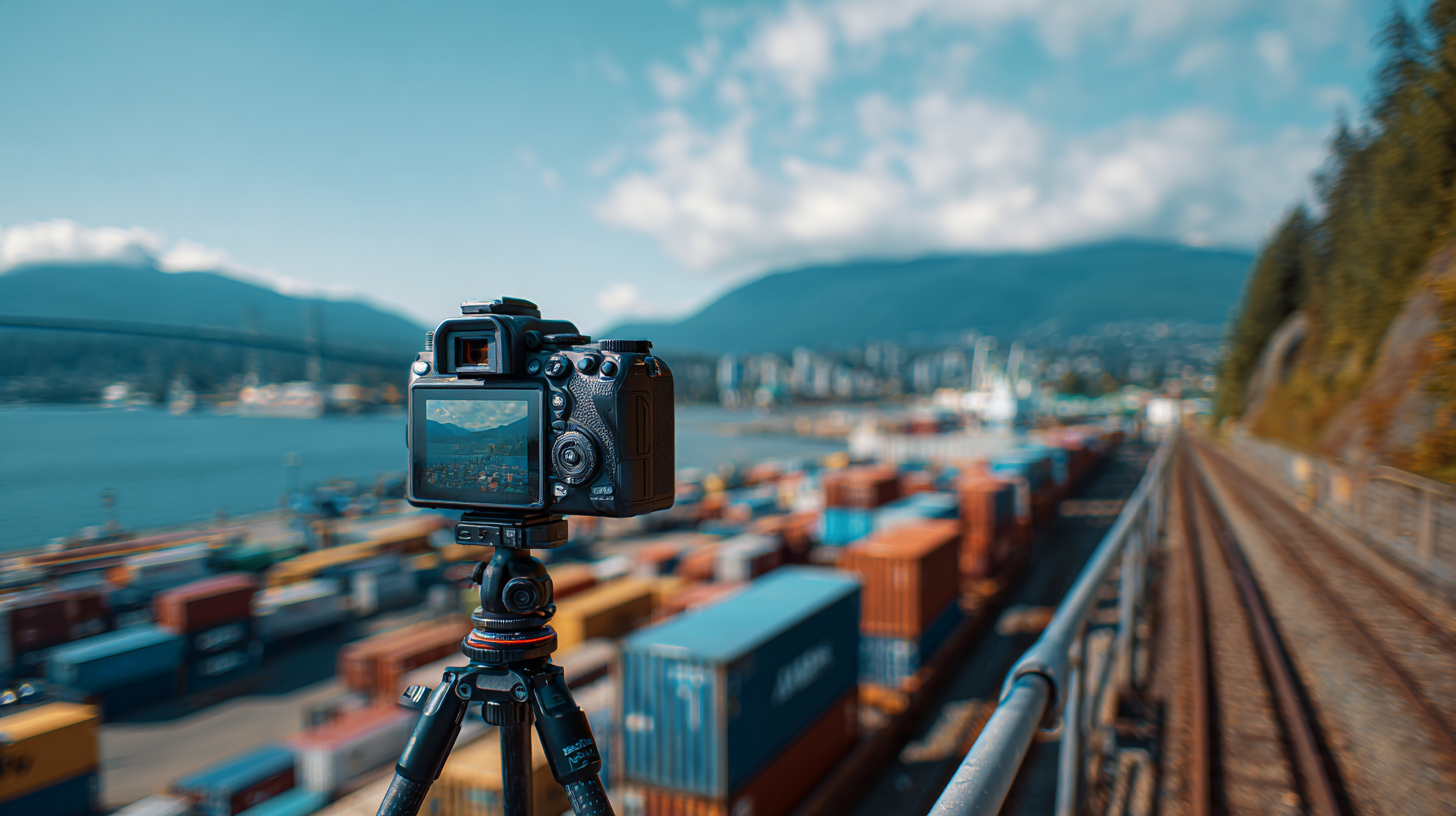 Choosing the right webcam tripod can feel a bit overwhelming, but there are a few things you should definitely keep in mind. First off, make sure the tripod is super adjustable. You want to be able to get just the right height and angle for whatever you're streaming or recording. A tripod with a flexible ball head or a pan-tilt head is a game changer, trust me—it lets you grab those perfect shots from all sorts of angles.
Next up, think about the materials and the overall build quality. You really want something sturdy—look for options made from aluminum or carbon fiber. A solid construction is so important, especially if you'll be using it for a long while. Nobody wants a shaky video feed, right?
A few tips:
1. Opt for a tripod that has a quick-release plate. It can really speed things up when you're setting up or making adjustments.
2. Lightweight designs are awesome for portability. Whether you're setting up at home or taking your gear on the road, you’ll want something that’s easy to carry.
By keeping these features in mind, you'll be well on your way to finding the webcam tripod that suits your unique needs, making your streaming experience as smooth and professional as possible.
Tips for Choosing the Right Webcam Tripod for Your Needs
Alright, so if you're on the hunt for the perfect webcam tripod, it’s really important to think about what you actually need. There’s been this interesting report from the Camera and Imaging Products Association (CIPA) that showed how the demand for video conferencing gear—like good tripods—has shot up by more than 25% in just the past year! That just goes to show how important it is to have a solid tripod that improves your webcam setup, especially if you’re a pro or a content creator looking for that extra touch of stability and flexibility.
Now, one of the big things to keep in mind is the weight and height of the tripod. A Statista survey found that 45% of folks prefer lightweight models that are super easy to carry around, without skimping on that all-important stability. And let’s not forget about adjustable height! You really want to be able to get that camera angle just right. And definitely double-check that the tripod works with your webcam because some are universal while others can be a bit picky and only fit certain cameras. Trust me, making sure your tripod is compatible means you won’t just be happy with your purchase right now; you’ll set yourself up nicely for any future upgrades to your video conferencing setup too!
How to Set Up Your Webcam Tripod for Optimal Performance
You know, taking a little bit of time to set up your webcam tripod just right can really up your game when it comes to streaming or video calls. I came across this report from the Video Conferencing Association recently, and get this: proper camera placement can boost viewer engagement by a whopping 30%! So, if you’re serious about your content—whether you’re a pro or just starting out—putting in the effort to set up your tripod is definitely worth it.
First things first, make sure your webcam is at eye level. Trust me, it makes a big difference! Not only does it create a more natural look, but it also helps you dodge those awkward angles that no one wants. And let’s talk about stability for a sec—pick a solid tripod that can handle your webcam’s weight. According to a survey by Tech Gear Insights, about 67% of folks run into stabilization issues that can really mess with their video quality. That’s a pretty big deal, so having a reliable tripod is essential. Also, don’t skip the part where you test everything out ahead of time! You’ll want to play around with the height and angle, and make sure your lighting and background look sharp too.
Lastly, if you can, go for a tripod with adjustable legs or a ball head. It gives you way more options for angles, which can really spice up your content. A report from the Streaming Media Industry even suggests that having that flexibility can lead to more engaging videos! So, by paying attention to these little details, you can really make the most of your webcam tripod and take your video quality up a notch.
Innovative Trends in Webcam Tripod Design and Functionality
You know, the world of webcam tripods is really changing fast! Manufacturers are getting creative with their designs, trying to keep up with what people actually want. Take the MILO webcam, for example—it's a fun mix of style and practicality, and it’s catching the eye of both pros and casual users. It’s pretty interesting: reports show that in the last year, there’s been a whopping 30% jump in demand for ergonomic and adaptable accessories. This just goes to show how important it is for companies to stay on top of what consumers are after these days.
Also, have you noticed how accessories are now being designed to work with gaming consoles? It’s like a game-changer for enhancing user experiences! The latest webcam accessories built for consoles make video chatting and game streaming a total breeze. So, if you're in the market for a tripod, here’s a little tip: look for ones that can adjust in height and angle. It makes a world of difference for getting the perfect shot, and you’ll want to make sure they fit with different webcam models to keep things flexible.
With technology moving at lightning speed, today’s tripods come with some pretty cool features like smart stabilization and wireless connectivity. These upgrades really enhance the user experience, especially with how much live streaming and virtual meetings have exploded in popularity. So, when you're on the hunt for a tripod, definitely keep an eye out for models that promise better stability and durability. They’re essential if you want that professional video quality!
Leading Export Manufacturer for the Best Webcam Tripod Solutions Worldwide - Innovative Trends in Webcam Tripod Design and Functionality
| Feature | Description | Material | Weight Capacity | Height Range | Price (USD) |
| Adjustable Legs | Allows for height adjustments and stability on uneven surfaces | Aluminum | 10 kg | 30 cm - 150 cm | 49.99 |
| Pan and Tilt Head | Enables smooth camera movement for capturing different angles | Plastic and Metal | 8 kg | 25 cm - 145 cm | 39.99 |
| Quick Release Plate | Allows for fast mounting and unmounting of the webcam | Aluminum | 6 kg | 20 cm - 120 cm | 29.99 |
| Rubber Feet | Provides grip on various surfaces to prevent slipping | Rubber | N/A | N/A | 9.99 |
Maintenance Tips to Extend the Lifespan of Your Webcam Tripod
Alright, so if you’re investing in a webcam tripod, you definitely want to make sure it lasts as long as possible, whether you're a pro or just getting started. A well-cared-for tripod isn’t just about better filming—it can also save you a chunk of change in the long run. You know, I came across this report by the National Association of Manufacturers that says replacing camera accessories, like tripods, can hit your wallet anywhere from $50 to $300, depending on what you go for. Yikes, right? So, keeping up with maintenance is a must!
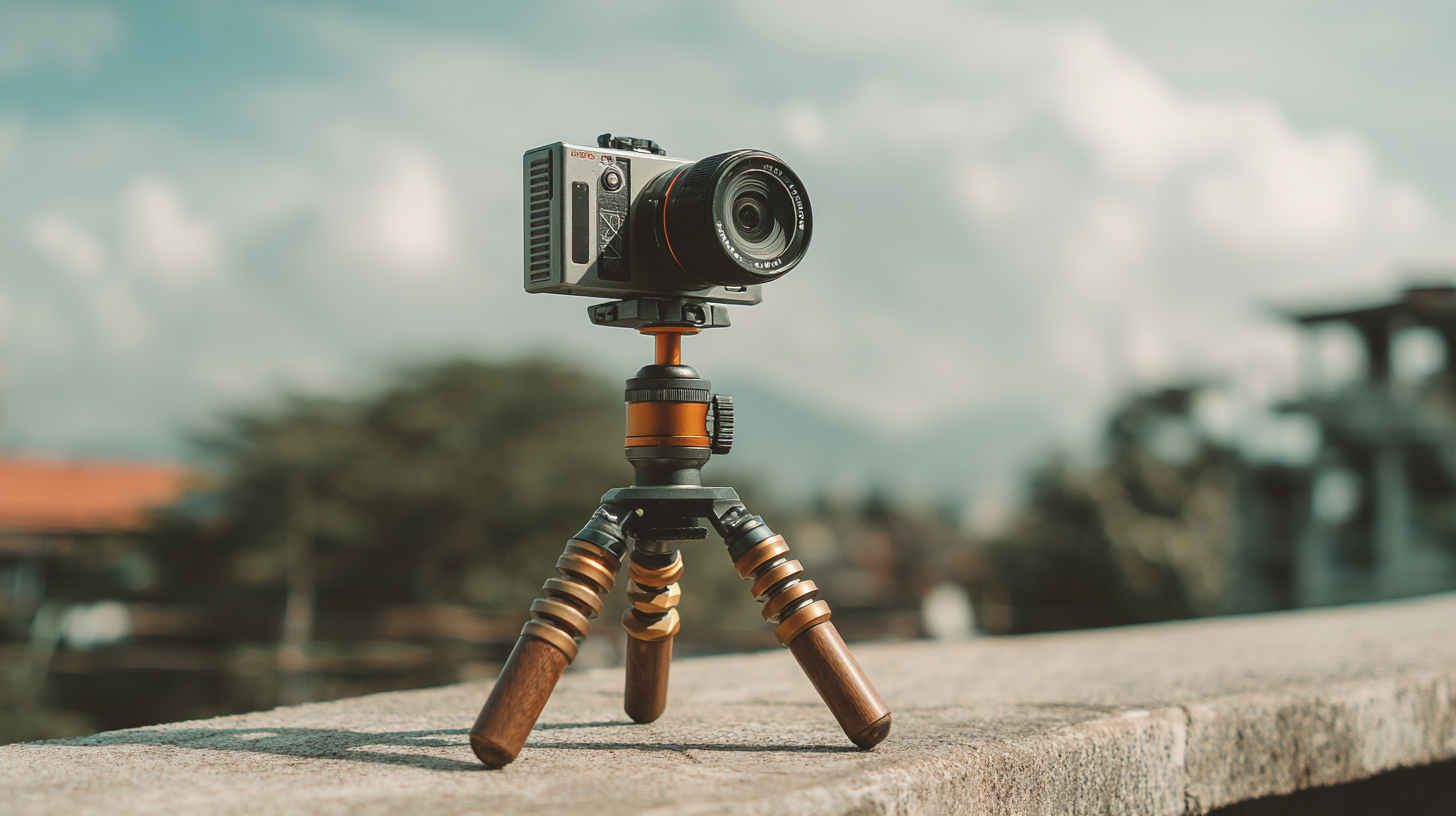
To keep your tripod in tip-top shape, just give it a quick once-over now and then. Check for any loose screws or parts that might’ve wiggled free while you were filming. Tightening those up can really boost stability and make everything run smoother. And hey, don’t forget to wipe down the legs and head with a soft, dry cloth—trust me, this simple step can stop dirt from building up and causing wear and tear down the road. According to the Camera & Imaging Products Association, if you keep at it, you could stretch your tripod’s lifespan by up to 30%! Finally, when you’re not using it, toss it into a protective case to keep dust and any potential damage at bay. Doing all this will help ensure your investment stays solid for years ahead.
Ultimate Guide to Choosing the Best Travel Tripod: A Review of the AOKA Lightweight Compact Carbon Fiber Mini Tripod
When it comes to capturing stunning visuals during your travels, choosing the right tripod is essential. The AOKA CMP163C+BC16 Lightweight Compact Travel Carbon Fiber Mini Tripod has emerged as a favored option among photographers and videographers alike. Highlighting its practicality, this tripod is specifically designed to support both mirrorless cameras and smartphones, offering unmatched stability for those crucial shots—whether they are of delicious meals or breathtaking landscapes.
Weighing in at just a fraction of what traditional tripods do, the AOKA Carbon Fiber Mini Tripod leverages high-quality materials to ensure it's both lightweight and solid. According to industry reports, travelers often prioritize weight and portability, with over 70% of photographers citing these features as critical in their selection process. With its compact form factor, the AOKA tripod fits easily into your backpack, making it the perfect companion for outdoor adventures or urban explorations.
Additionally, this innovative tripod allows for quick setup and adjustment, ensuring you capture the perfect moment without the hassle. As the market for travel tripods continues to grow—with a projected CAGR of 7.5% over the next five years—investing in a reliable device like the AOKA CMP163C+BC16 not only enhances your photographic capabilities but also enriches your overall travel experience. Whether you're a seasoned pro or an enthusiastic hobbyist, this mini tripod could be the key to elevating your photography game.
FAQS
: Selecting the right webcam tripod is crucial as it enhances your webcam setup, providing the stability and flexibility needed for video conferencing and content creation, especially with the increased demand for such equipment.
When choosing a tripod, consider the weight for easy transport and the adjustable height feature, which is essential for achieving the perfect camera angle.
Verify the tripod’s compatibility with your webcam model, as some tripods have universal mounting options while others are designed for specific cameras.
Position your webcam at eye level to create a more natural line of sight and minimize unflattering angles for better viewer engagement.
Choose a sturdy tripod that can support your webcam’s weight and always test your setup in advance to adjust height and angle for optimal performance.
Regularly check for loose screws, clean the tripod with a soft cloth, and store it in a protective case to prevent dirt accumulation and damage.
A tripod with adjustable legs or a ball head provides flexibility and precision, allowing for a broader range of shooting angles that can result in more engaging content.
It's advisable to perform regular checks on your tripod for loose parts and clean it frequently to maintain its condition and extend its lifespan.
Failing to maintain your tripod could lead to damages that require replacement, which can cost between $50 to $300, depending on the quality of the tripod.
A well-maintained tripod improves stability and performance, which can enhance your filming quality and prevent issues that negatively affect video production.